What if you could:
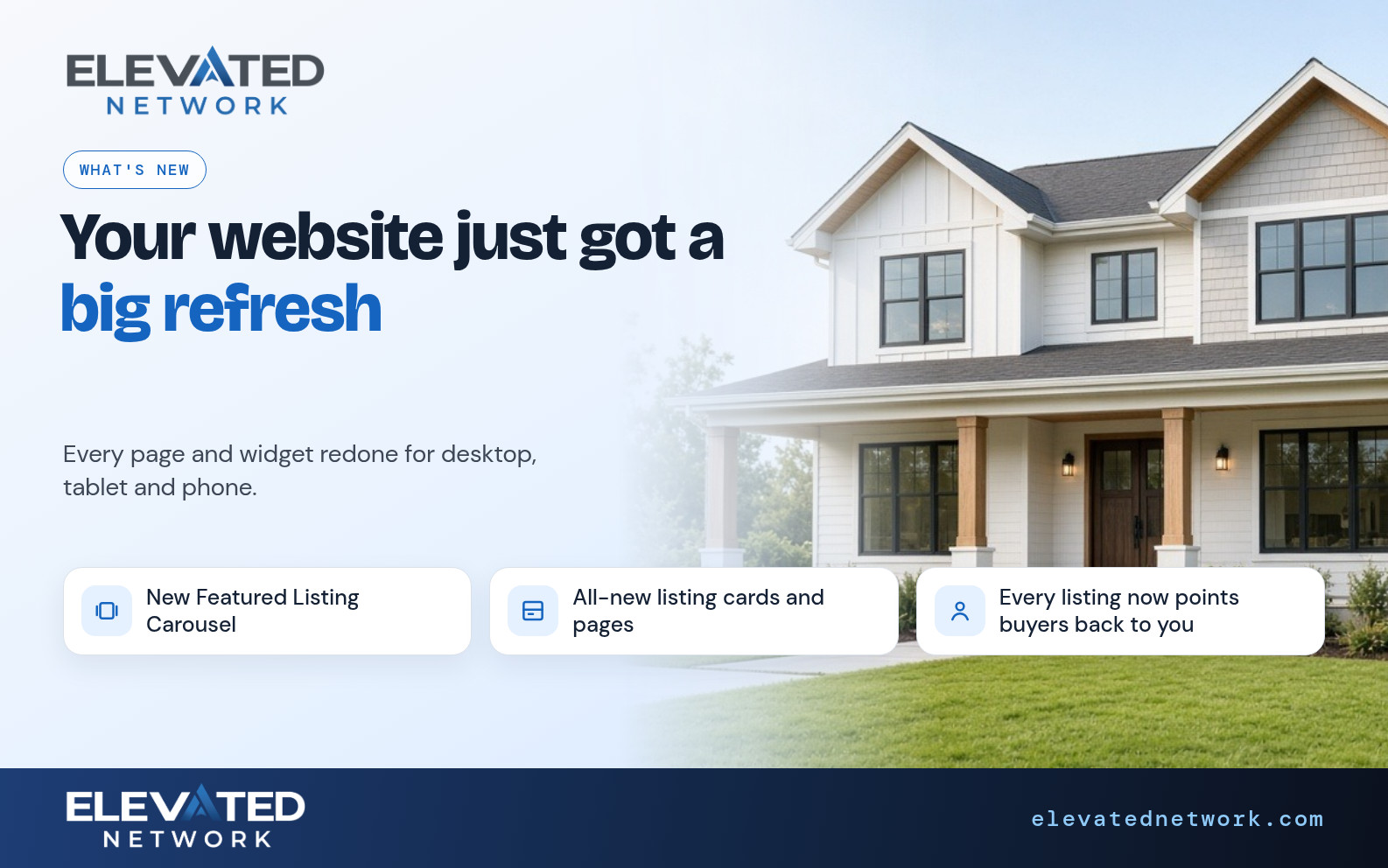
- Find widgets under Forms, Layout, Content, Property (A–Z, and the drawer scrolls)
- Control listings page settings instead of only dropping a widget and hoping
- Compose a newsletter in your brand font
- Attach the creative you designed to a drip email step
- Start an email from a designed layout and save it as your own template
Buyers do not meet “the website team” and “the email team.” They meet you. If search looks one way and the Friday email looks like another brokerage, you paid for a platform and still look pieced together.
Honest limits: A layout builder for members is in development. Ask Emma can design a flyer, with photos, or rewrite the text on a page. You review before you publish or send. Email uses credits.
What shipped
Widget drawer categories + scroll. Listings page settings. Non-widget pages. Community widget / template fixes. Login branding refresh. Phase-1 brand fonts in TinyMCE / rich text. Drip steps can pass a marketing creativeId. Preview at 620px with placeholders. Print/email slot dimensions cleaned up.
1. The builder is easier to find things in
The problem: The widget drawer felt like a junk drawer.
What you can do: Pick a category, then A–Z. Use listings settings for IDX-style behavior. Use a non-widget page when the page is not a stack of blocks.
Example: Open the page you share most. Fix one widget from the right category. Do not rebuild the whole site.
2. Email that uses your fonts
The problem: You export to another tool “just to make it look right.”
What you can do: Set the brand font you already use on the web. Drip email stops looking like a generic Arial blast.
Example: Next newsletter, same typeface as the site header.
3. Layouts and creatives
The problem: The campaign sends a cousin of the piece you designed.
What you can do: Pick a published email layout, click any part to change it, and save it as your own template. Attach that template on the drip email step. Preview at email width before send.
Example: Pick a layout, change the headline and the photo, save it as your template, and use it on the next drip step.
How it compares
| Factor | This quarter | Export-to-elsewhere | Hope the template is fine |
|---|---|---|---|
| Widget hunt | Grouped drawer | N/A | Scroll forever |
| Fonts | Brand fonts in editor | Other tool | Default Arial |
| Drip look | Creative on the step | Detached file | Whatever was leftover |
| Emma | Flyer design, page text | None | None |
We do not invent testimonials. See Member Reviews.
One-hour tidy clients will notice
- One live page: add/fix one widget from a real category.
- Listings page settings — mobile first.
- Brand font on a newsletter or drip email.
- Preview one layout at 620px.
- Point the next drip email step at that creative.
Ask Emma for a flyer if you would rather not live in the editor.
Common questions
Q: Can Emma publish my site without me?
A: No. She can rewrite the text on a page, and only after you confirm.
Q: Why don’t I see layout builder?
A: It is in development for members. Designed layouts are ready to use today.
Q: Is this extra?
A: Website builder and marketing are on membership ($49.99/month new-member pricing). Sends use credits.
The bottom line
Your brand is not a logo file. It is whether the listing page and the Friday email feel like the same agent. This quarter made that easier to keep true.
Ready to align one page and one email?
Sign in and do the hour above. Prospects: start a 14-day trial and ask Emma, if she has reached your account, for a flyer or an email design — then match the font.
Start Your Free Trial → (opens in new window)
Card required to prevent spam; you will not be charged if you cancel before the trial ends. Cancel anytime in account settings.